|
श्री जगन्नाथ पाठशालाSHREE JAGANNATH PATHSHALAMinistry of Education, Government of India Approved |

|
REGISTRATION PROCESS (पंजीकरण की प्रक्रिया)
- 1st Step: First, read the Bulletin carefully by clicking on the New Registration button. Then accept the Conditions and click on the Proceed button.
- 2nd Step: Fill up the complete Registration Form with the help of your POI and POA Documents. Enter proper Captcha and recheck your Application. Click on Submit button for Submission of your Application.
- 3rd Step: After Successful Submission of your Application, you will be provided a Registration ID for Login. Preserve that ID for further references. Pay the Registration Fees offline through cash in our office within office hours. After Successful Payment, you will be provided a Registration Slip / Acknowledgement Slip by our officials. Preserve that.
Note that: Any problem in Payment may result in Rejection of the entire Application Process. Only after the Successful Payment, Candidates can Login to their Profile.

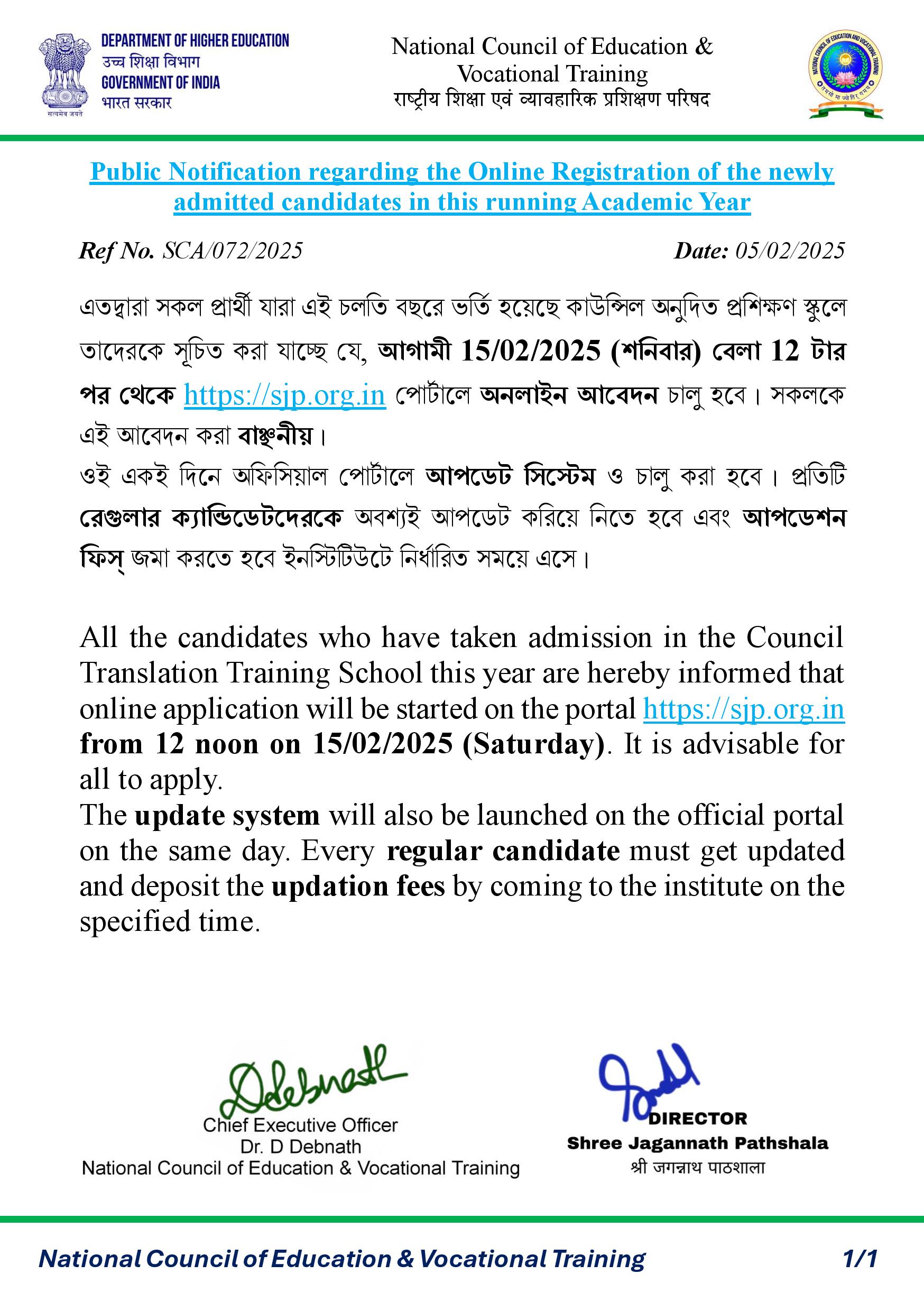
NOTICE - SJP/072 (2025)